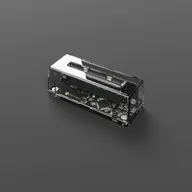
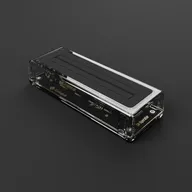
Flashback
Shoot with a real Game Boy Camera again. Plug your Operator into your phone, drop in the cartridge, and Flashback becomes a viewfinder for photos and video. Grainy, 128×112, four shades of grey, exactly like 1998. No Operator? No cartridge? Software Mode recreates the whole thing on your phone's own camera, with no hardware at all.
Latest version: v1.1.0
What's new?Available on iOS, iPadOS and Android.
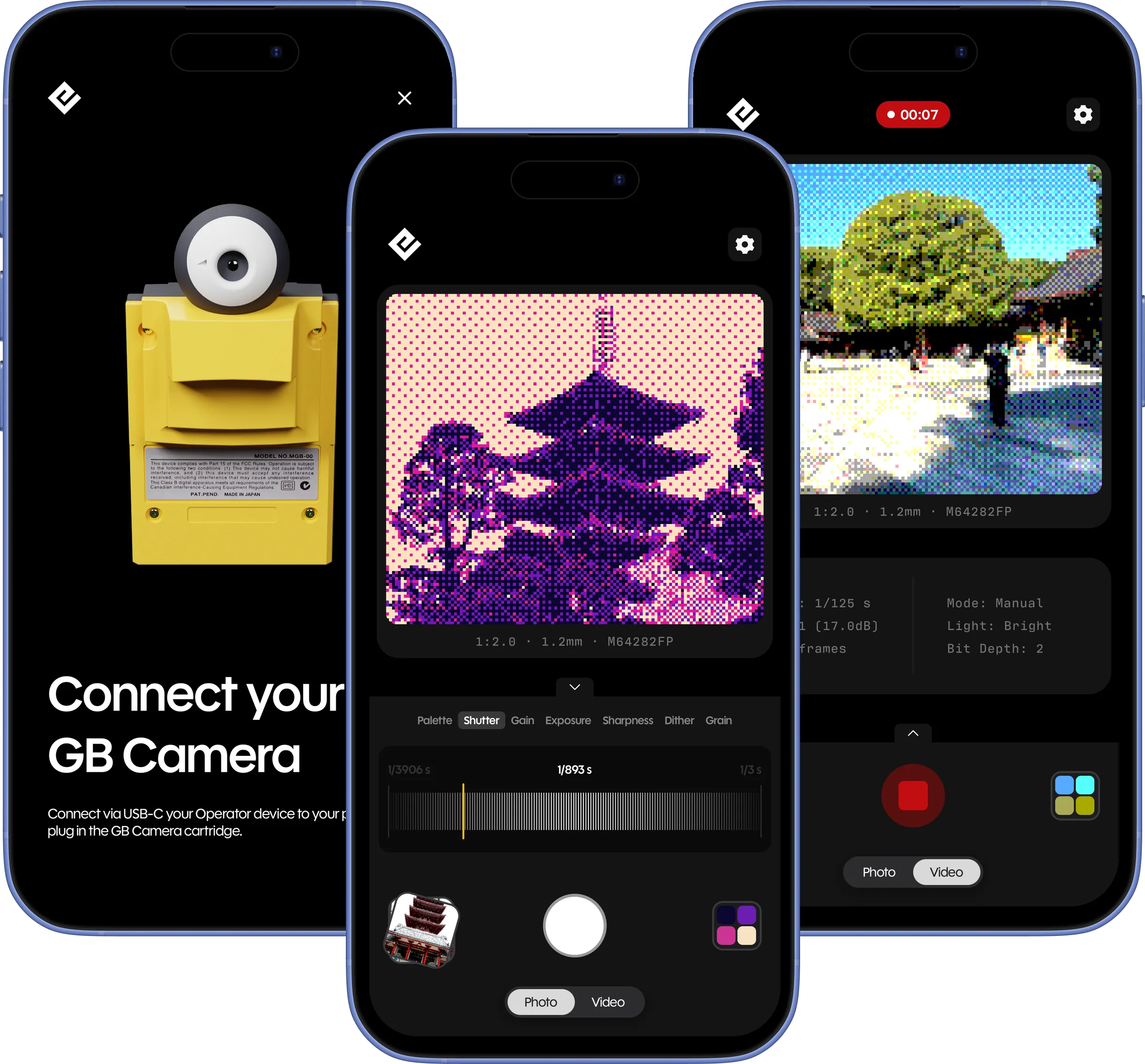
Two ways to shoot
The real thing
With your GB Operator and a Game Boy Camera cartridge, you're shooting through the same Mitsubishi M64282FP sensor the Game Boy Camera shipped with in 1998. Nothing is emulated. Flashback reads the image straight off the sensor and onto your screen. Plug in over USB-C, it finds the camera on its own, and what you see is what the cartridge sees.
Or just your phone
No Operator and no cartridge? You can still shoot. Software Mode is a faithful recreation of the Game Boy Camera's processing, running on your phone's own camera. Same 128×112 grid, same dithering, four greys and all. It's just your phone, so it works anywhere, even in airplane mode.
Find your inner photographer
Every frame is built the way the original built it: 128×112 pixels (about 14 kilopixels all in, yes, kilopixels), dropped to four shades and dithered into that grainy gradient. In Hardware Mode that's the real sensor doing the work. In Software Mode it's the same math, recreated faithfully on your phone. Either way, your shots come out the way the camera's would, not some generic retro preset.
- Resolution
- 128×112
- 2-bit depth
- 4 shades
- Sensor
- M64282FP
It doesn't have to be grey
Flashback ships with 32 palettes. Here are a few favorites on the same shot, from the original grayscale to the Game Boy green. Pick one and the photo updates. (In Software Mode, Color Mode can also build a palette straight from whatever colors are in front of the lens.)

Straight off the sensor
Real Game Boy Camera shots, each wearing a different Flashback palette. Recolored live in your browser, the same way the app does it.
Auto for fun, manual for the pros
Leave it on Automatic and just shoot. Or open up the controls and set shutter, gain, exposure, sharpness, dither and grain by hand. These aren't decorative sliders. They're the sensor's real registers, in proper shutter speeds and decibels, the same values you'd find on an M64282FP datasheet. Every photo gets stamped with the settings behind it, so a shot you liked is a shot you can find your way back to.
- Shutter
- 1/1000s – 1/8s
- Gain
- in real dB
- Exposure
- fine bias
- Sharpness
- edge enhance
- Dither
- 10 patterns
- Grain
- dither contrast
Capture and privacy
Stills and video, with sound
Take stills or roll video with sound. Everything lands straight in your phone's photo library at full quality, where you can do whatever you want with it.
No account. It stays on your phone.
There's no sign-up and nothing to log into. We don't ask who you are, and the photos and videos you take never leave your phone. They sit in your camera roll, and that's the end of it.
System Requirements
iOS & iPadOS
- OS
- iOS 17.2 or later
- Device
- iPhone or iPad
- Connection
- USB-C
- Hardware Mode
- Operator + Game Boy Camera
Android
- OS
- Android 8.0 or later
- Device
- USB-C phone or tablet (USB host)
- Connection
- USB-C
- Hardware Mode
- Operator + Game Boy Camera
Software Mode runs on your phone's own camera and needs no extra hardware. For Hardware Mode, connect a GB Operator with a Game Boy Camera cartridge to your phone or tablet over USB-C, and Flashback finds it on its own. No pairing required.
Version History
Flashback is distributed through the App Store and Google Play. Updates are delivered automatically through your platform's store.