Hardware Mode
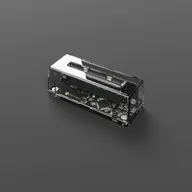
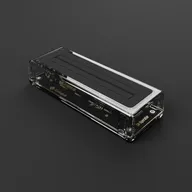
Insert the Game Boy Camera in your GB Operator, connected to your phone via USB-C. No emulation involved here, Flashback reads the Camera’s 1998 sensor directly.
Items: Phone, GB Operator, Game Boy Camera

Go back to the 90s, when portraits were pixelated and summer lasted forever.
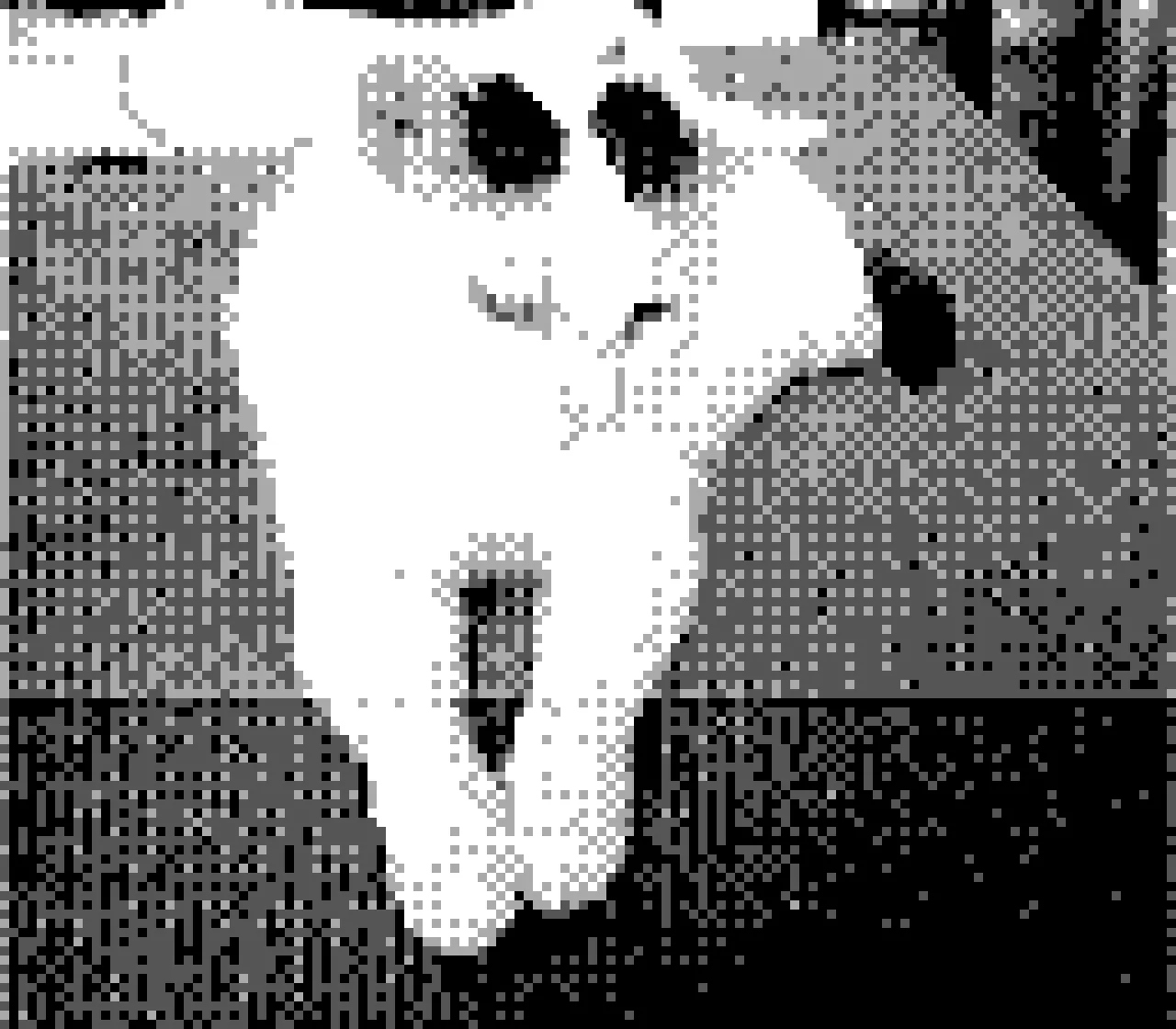
Connect the Game Boy Camera to your GB Operator, open Flashback on your phone and shoot! Every frame the original 1998 sensor sees is displayed on your screen instantly. No Operator? No cartridge? No problem! Software Mode recreates the whole thing, no extra hardware needed.
iOS · iPadOS · Android v1.1.0 What’s New
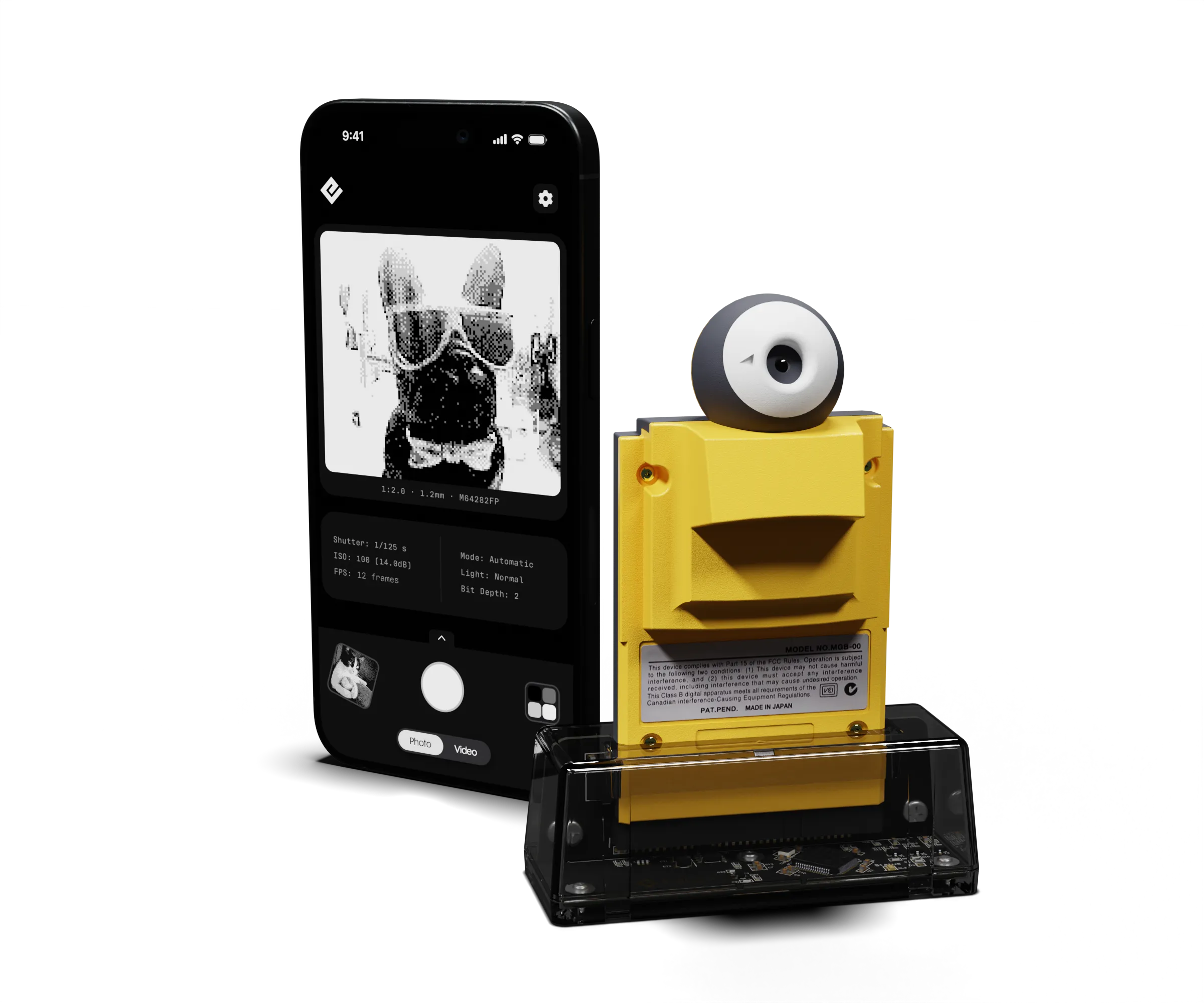
Flashback reads the Mitsubishi M64282FP straight off the cartridge and shows each frame as it arrives, with the sensor’s own tech underneath.
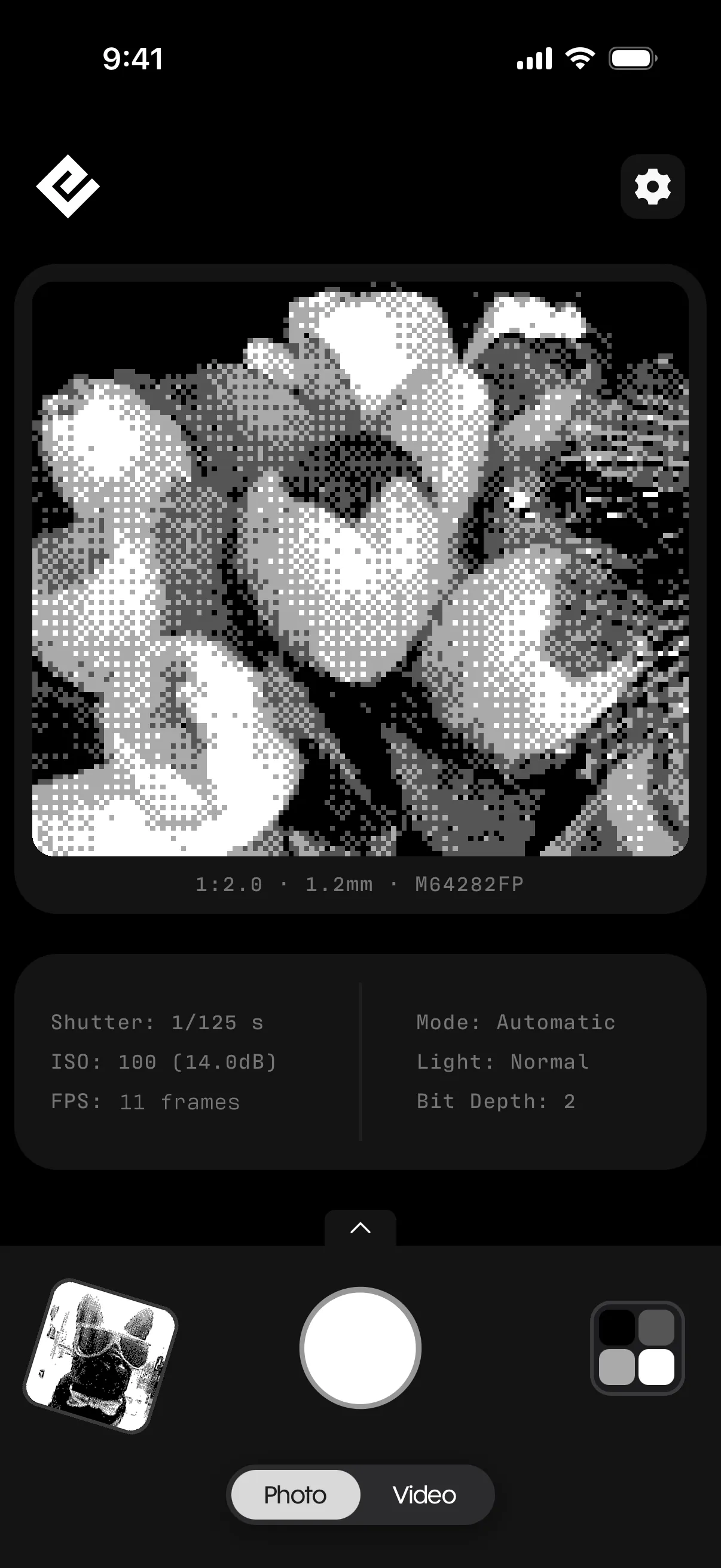
Either use the Game Boy Camera’s real sensor (Hardware Mode), or your smartphone’s camera instead (Software Mode).
Insert the Game Boy Camera in your GB Operator, connected to your phone via USB-C. No emulation involved here, Flashback reads the Camera’s 1998 sensor directly.
Items: Phone, GB Operator, Game Boy Camera
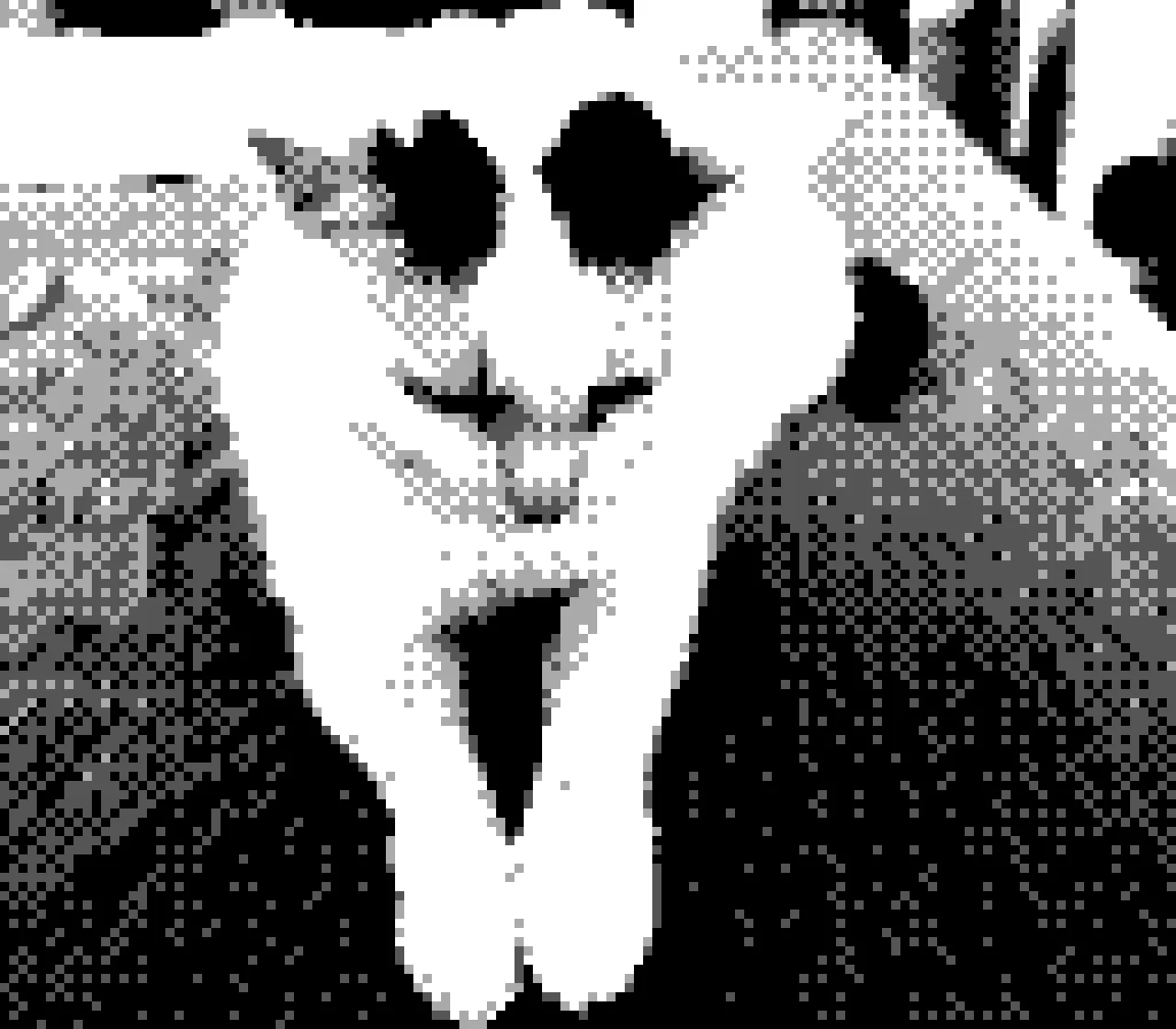
Don’t feel like carrying the whole setup? Software Mode recreates the Game Boy Camera’s processing on your phone’s camera. Same 128 × 112 grid, same dithering, four greys and all. One tap away, at any time.
Items: Phone
We created these 32 palettes to capture the world in vivid colors. Enable Software Mode and choose your favorite to see it change on the spot.

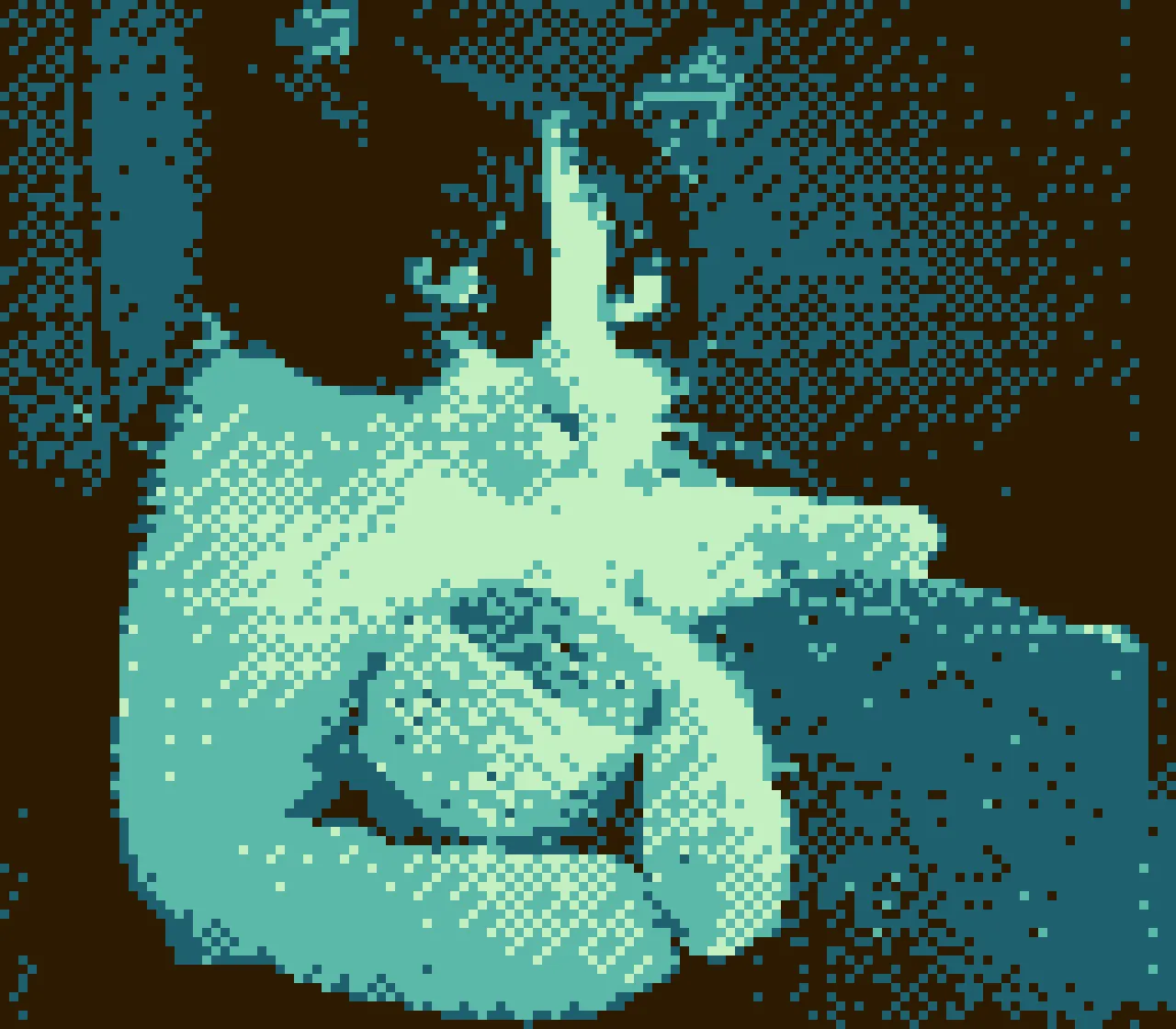

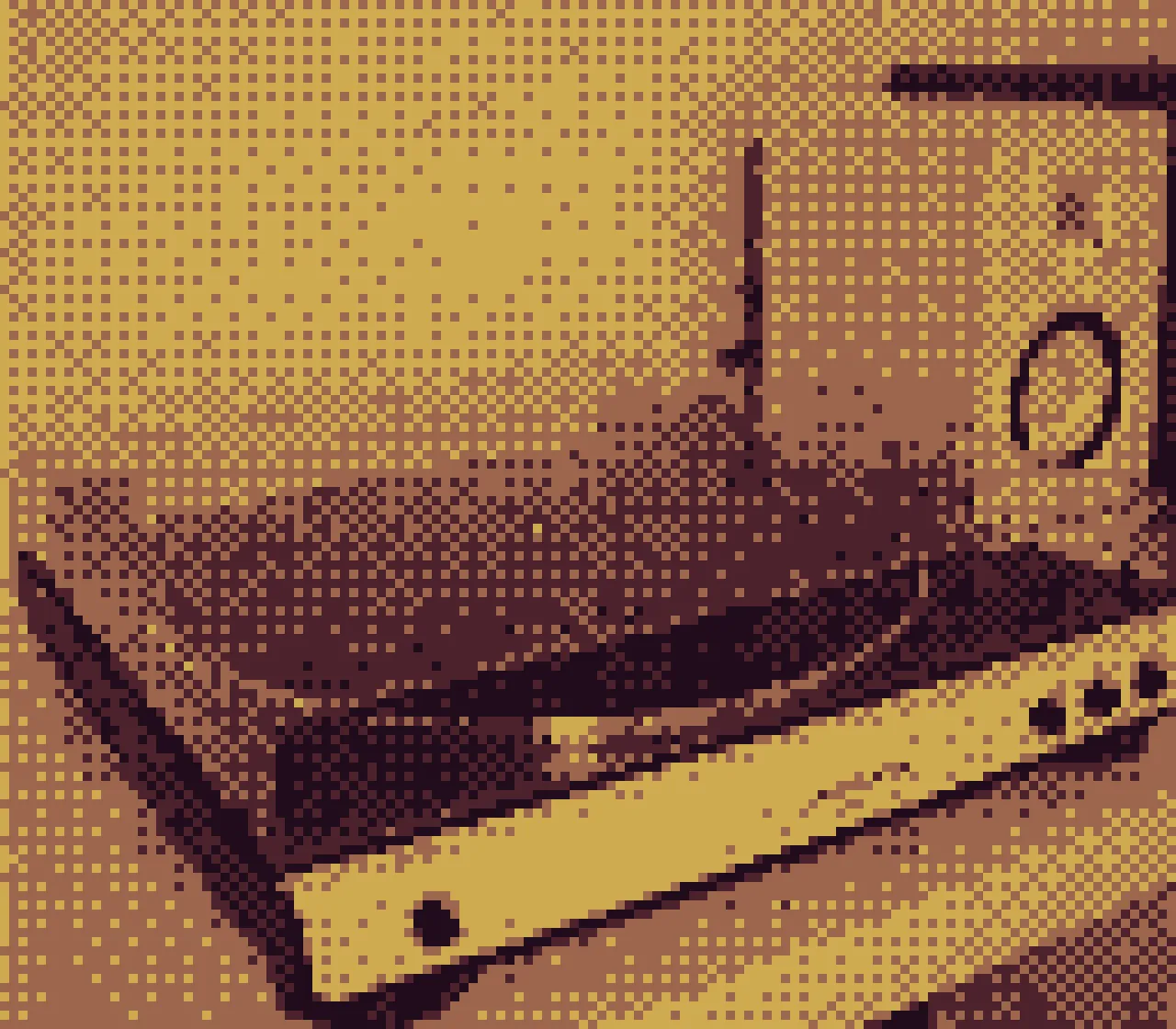
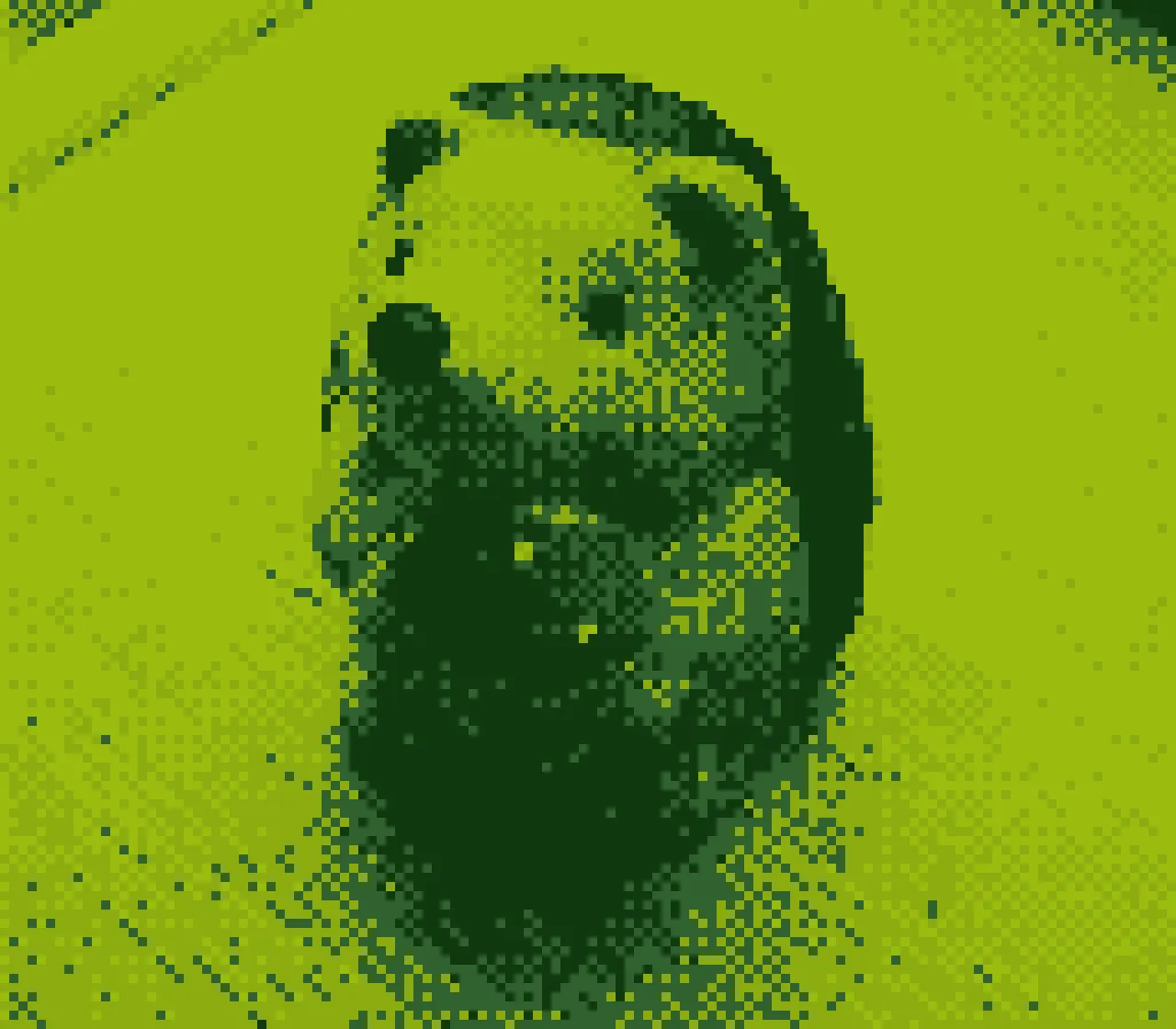


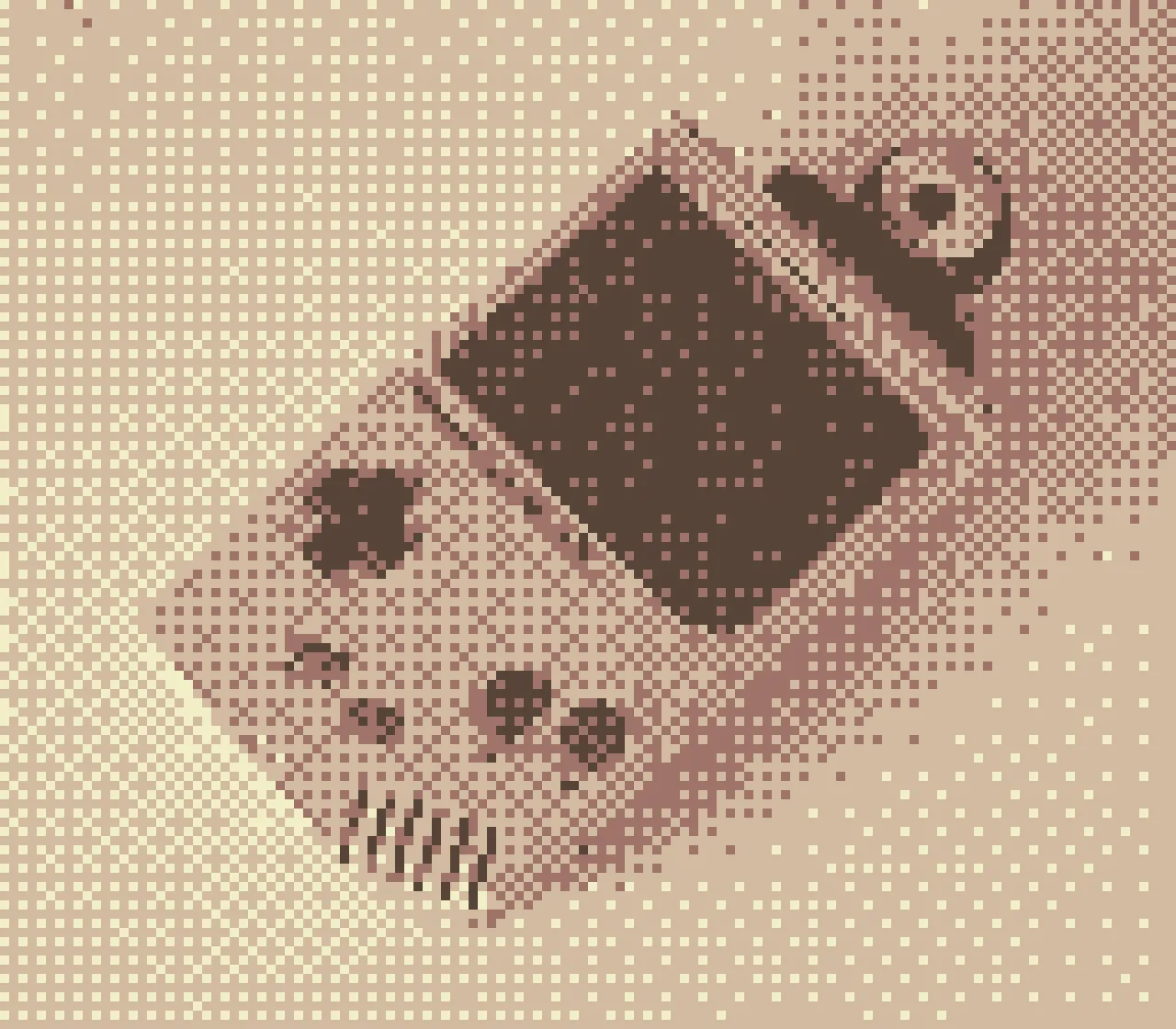
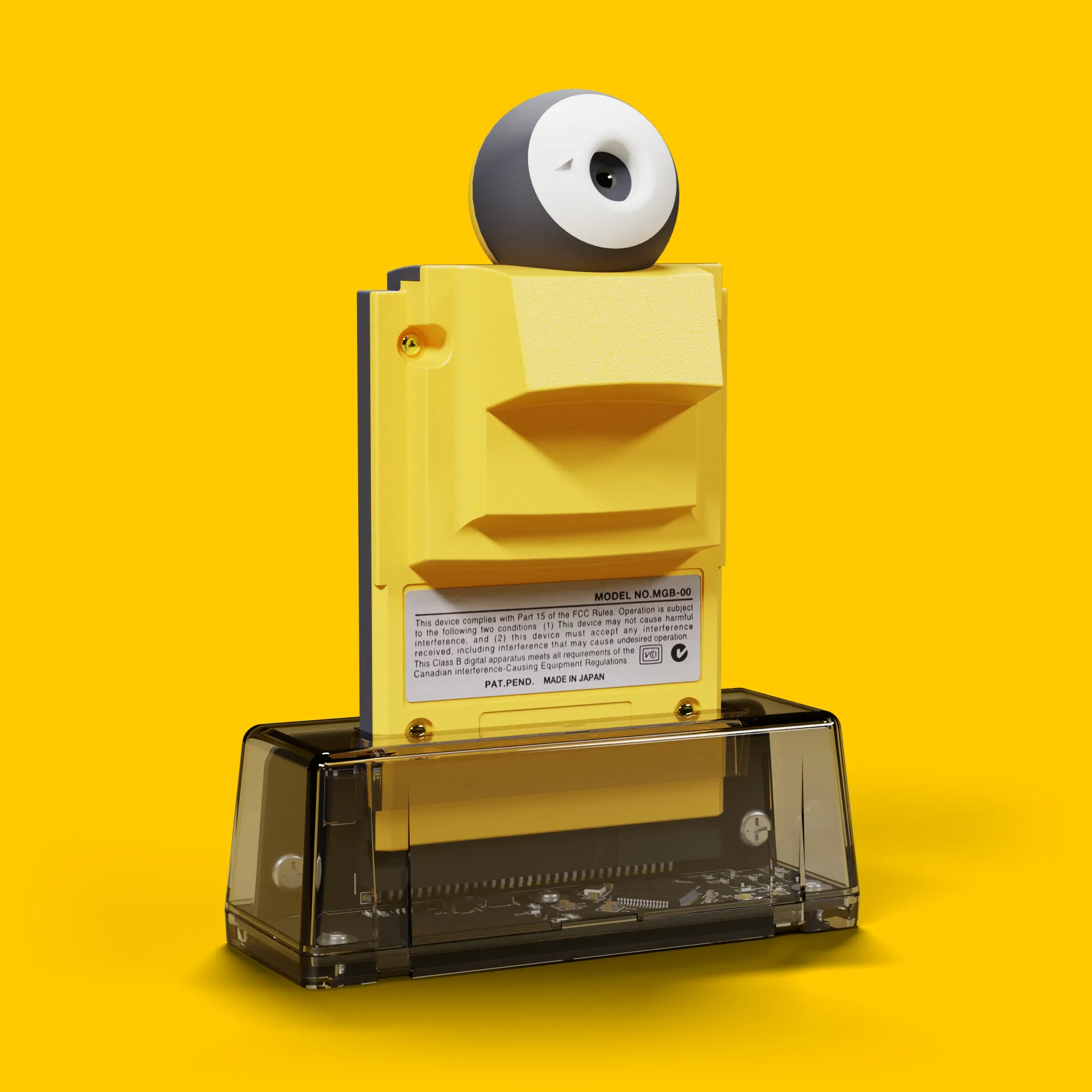
Get a taste of life back in the 90s, when the Game Boy Camera craze first started. If you still have yours, all that’s missing now is the GB Operator. Order it and, while you’re there, why not check out all the other cool things it can do?
Get GB OperatorSoftware Mode runs on your phone's own camera and needs no extra hardware. For Hardware Mode, connect a GB Operator with a Game Boy Camera cartridge to your phone or tablet over USB-C, and Flashback finds it on its own. No pairing required.
Flashback is distributed through the App Store and Google Play. Updates are delivered automatically through your platform's store.
Subtotal
173.98
Shipping and taxes calculated at checkout.
or