Retrace Not Connecting to Operator
Troubleshoot when Retrace can't find or connect to your GB Operator device.
2 min read
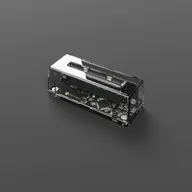
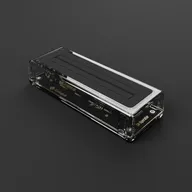
If you’ve plugged in your GB Operator and the LED is rapidly blinking but the device doesn’t appear in Retrace, your phone or tablet may not support the USB connection required by the Operator. The rapid blinking indicates that the Operator is powered on but can’t complete the USB handshake with your device.
Check the basics first
Before assuming a compatibility issue, try these steps:
- Disconnect and reconnect the Operator from your phone’s USB-C port
- Close and reopen Retrace completely (remove it from your recent apps)
- Restart your phone to clear any lingering USB states
- Try a different USB-C cable if you’re not using the included one
- Try a USB-C OTG adapter or USB hub between your phone and the Operator, as some devices handle USB connections differently through a hub
Device compatibility
The GB Operator requires specific USB capabilities that not all Android devices support. In some cases, a device’s USB-C port may work fine for charging and other accessories but not support the type of communication the Operator needs.
If you’ve tried all the troubleshooting steps above, including a USB-C OTG adapter or hub, and the LED continues to rapidly blink without the Operator appearing in Retrace, your device isn’t compatible. This is not something that can be resolved through a software update to Retrace or a firmware update to the Operator.
What you can do
- Try on another phone or tablet to confirm the issue is device-specific
- Use Playback on a computer as an alternative. It offers the same authenticity checking features along with the full play and backup experience
- Try on an iPhone or iPad if you have access to an iOS device, as Retrace is also available on the App Store
See also
- LED Indicators : Understanding LED patterns
- Checking Cartridge Authenticity : Check cartridge authenticity
Still need help? Contact our support team