Quick Start Guide
Get playing in under 5 minutes.
1 min read
1. Download Playback
Get the app for your platform from epilogue.co/software/playback.
2. Install and open
- Windows: Run the installer. Detailed guide
- macOS: Drag to Applications. Detailed guide
- Linux: Install the Flatpak and run it. Detailed guide
- Steam Deck: detailed guide
- Raspberry Pi: detailed guide
3. Connect your Operator
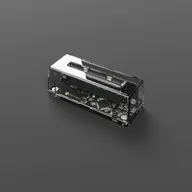
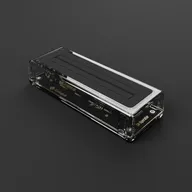
Plug in your GB Operator or SN Operator using the included USB cable. The LED should light up solid.
4. Insert a cartridge
Insert your game cartridge with the label facing towards you.
5. Play
Click Play and enjoy your game.
What’s next?
See also
- First Time Setup : Detailed setup walkthrough
- Controller Setup : Set up a controller
- Save Vault : Automatic save backups
Still need help? Contact our support team